Just like Sonic and the Black Knight, Secret Rings was released as an exclusive to the Wii. This means the only official way to play the game is through the Nintendo Wii.
This is probably the most accessible method of playing this game. All you need is just a copy of Secret Rings and a little determination and you'll be able to play this game on your computer. If you want to use Dolphin Emulator to play this game, go here to learn how to set up Dolphin Emulator.
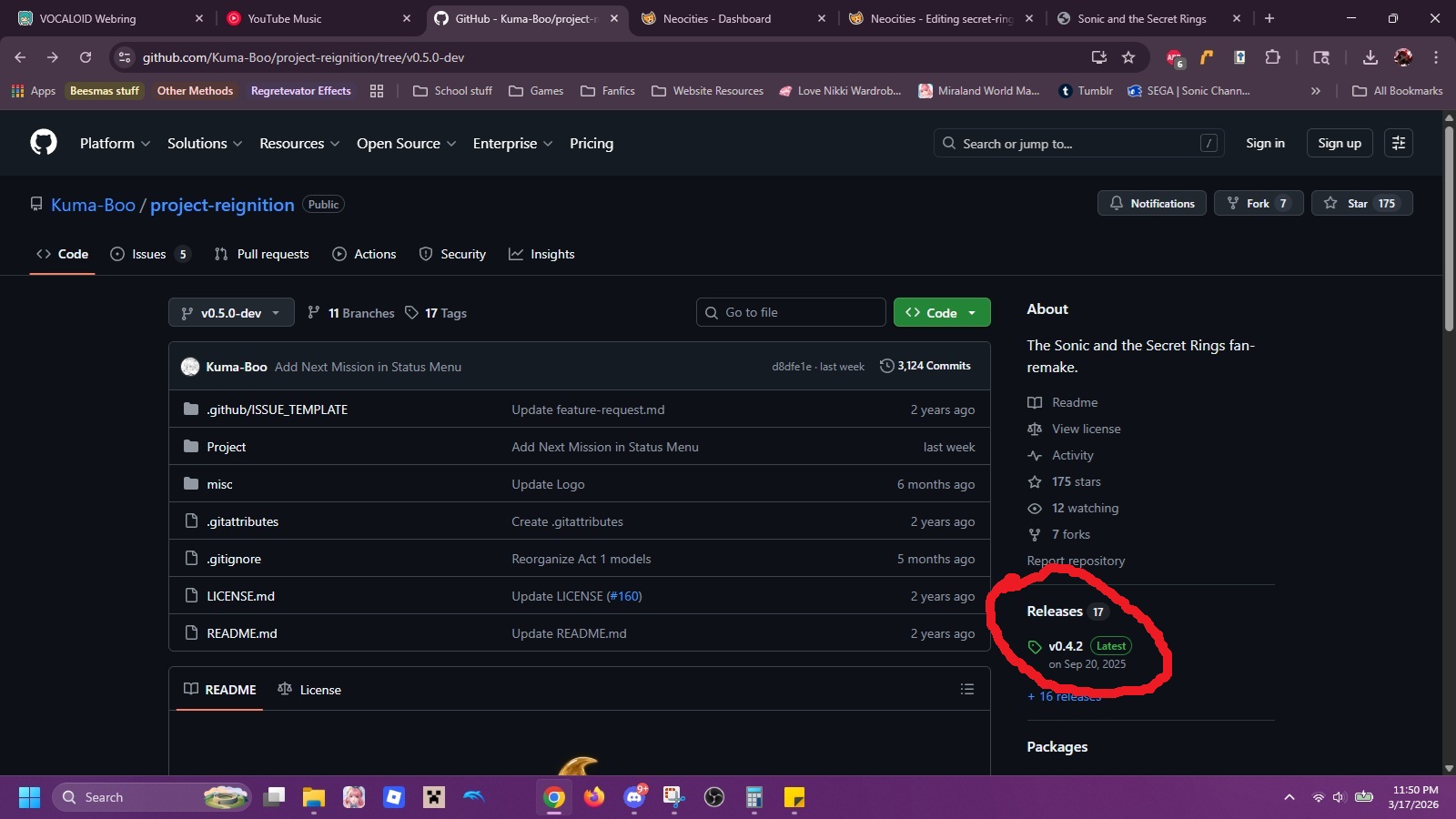
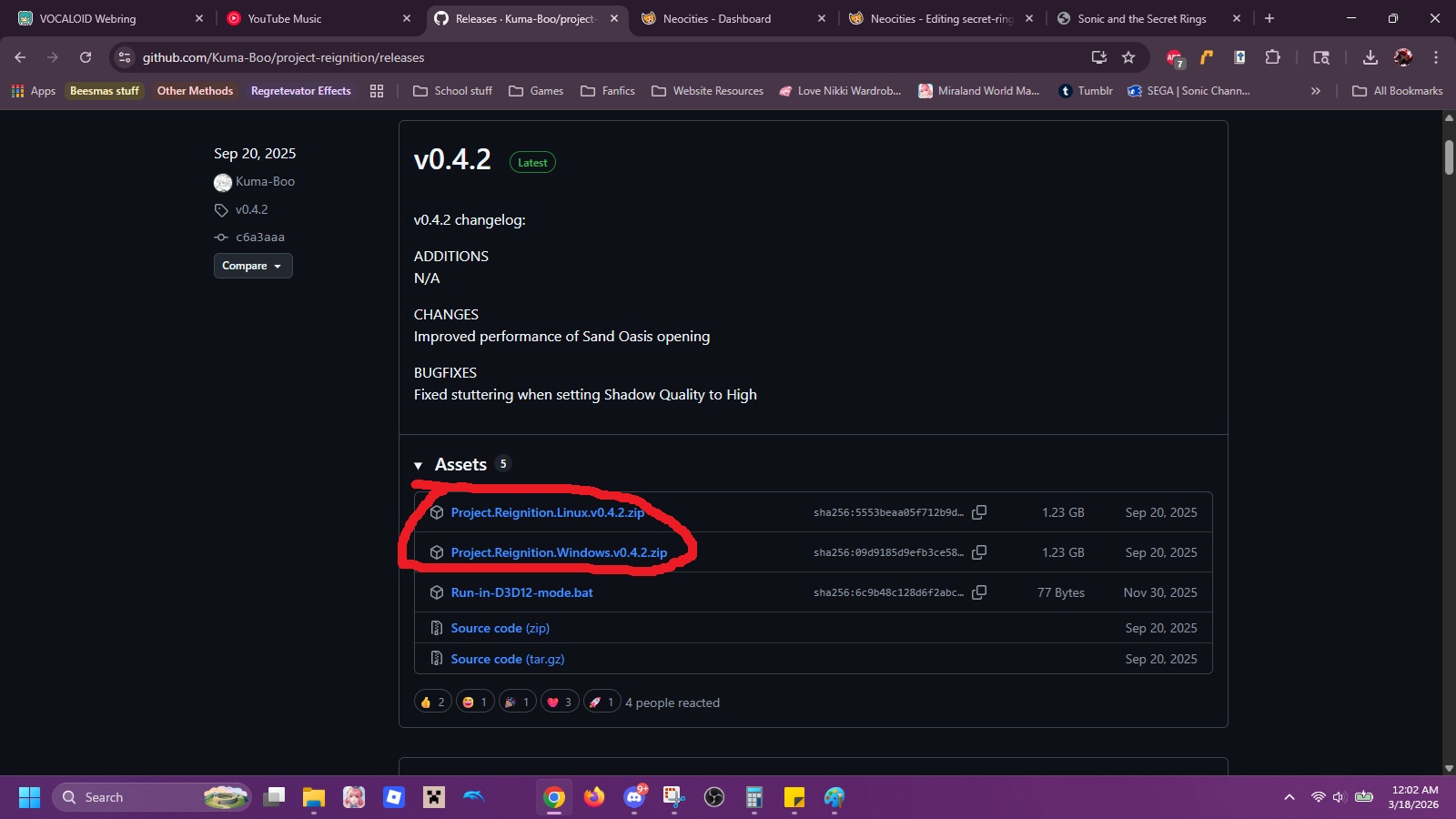
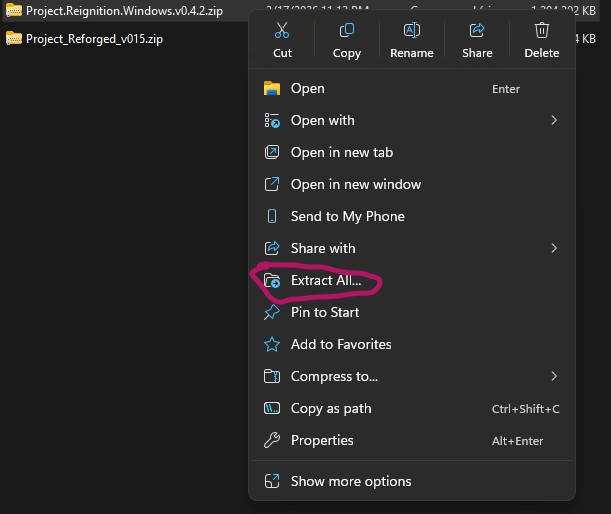
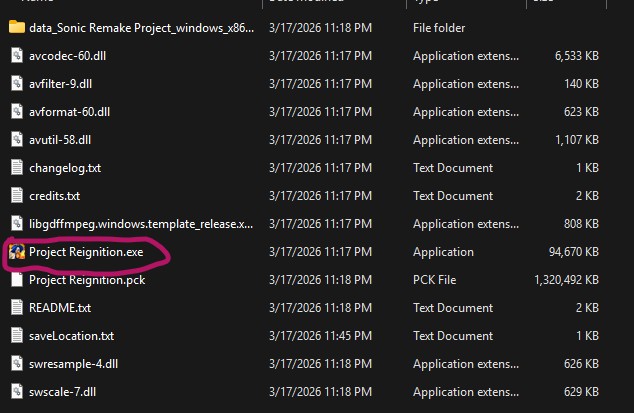
Project Reignition completely remakes the game from the ground up to make it playable on pc. While still a work in progress, this project has already recreated many of the original games stages. You can play this game with either your computer keyboard or a controller. It also has tons of settings that allow you to optimize the game to run on your computer. This game will likely become the best way to play it once the project is complete. If this is how you would like the experience the game, just follow the instructions below: